Running a small business means doing all the work by yourself; you are the founder, but you take the role of the marketer, and, whether you planned for it or not, the designer. So when it’s time to build a logo, you don’t really have a lot of time to learn design software or a budget for an agency. You need a tool that works fast and gives you more than just a single image.
To make the process easier, we’ve put together 8 logo design tools through the same test. Same brand names, same prompts, same close look at what each one offers beyond the logo itself. Because for a small business, the logo is only the starting point; what’s actually required is a full brand identity, and the best tools hand you one.
Below is the list of the design tools, which we will examine one by one more thoroughly.
8 Logo Makers at a Glance
|
Tool |
Beyond the Logo |
Best For |
Main Highlights |
|
Design.com |
Website builder, link-in-bio, digital business card, posters, flyers, QR coders, and 50+ design tools |
Owners who want a full brand identity fast |
Instant AI generation, exclusive designs, free download, professional results |
|
BrandCrowd.com |
Website builder, business cards, social graphics, QR codes, etc. |
Businesses of all sizes, regardless of the industry |
380K+ templates, chat-based AI editing, free download, AI + human touch designs |
|
LogoDesign.net |
Business cards, letterheads, social headers, QR codes |
Owners happy to do manual design work |
Industry templates, matching branding materials |
|
Logopony.com |
Business cards, favicons, social graphics, brand style guide |
Those who want AI editing and don’t mind a brief |
Clean logos, AI-powered editing, 30+ formats |
|
My Free Logo Maker |
Business cards, social profiles, letterheads (paid) |
A single free PNG to start |
Broad customization, free PNG download |
|
Logobean |
Business cards, stationery |
Simple AI logos with basic customization |
Preset palettes, icon controls |
|
LogoAI.com |
Brand Center, business cards, social graphics, email signature |
Owners who prefer a guided, structured flow |
Guided wizard, animated logo preview |
|
Logomakerr.ai |
Business cards, PowerPoint templates, flyers, social posts |
Owners who like hands-on manual editing |
AI-powered concepts, full brand kits |
Now the detail, one tool at a time.
Design.com
Design.com set the standard the rest were measured against.
The platform is super intuitive and works in a way that both professional and amateur users can take advantage of its speed, user-friendliness and high-quality results.
It offers 500K+ logo templates; those templates are not just AI-generated; instead, they’re crafted by professional designers and come with full copyright protection. The variety, full logo ownership and the availability of additional design assets are things that business owners consider the most.
For a clearer image, we’ve gone through all the steps to test the platform fully. Here’s what we did:
|
Our Test |
The Result |
|
Entered a brand name and gave a prompt |
Thousands of logo concepts instantly, no questionnaire or color picker first |
|
Edited through the chat-based AI editor |
Changes made in seconds in everyday language prompts, with manual editing and saved progress available |
|
Downloaded a logo |
A free, watermark-free file, plus a free website builder, link-in-bio creator, and digital business card maker |
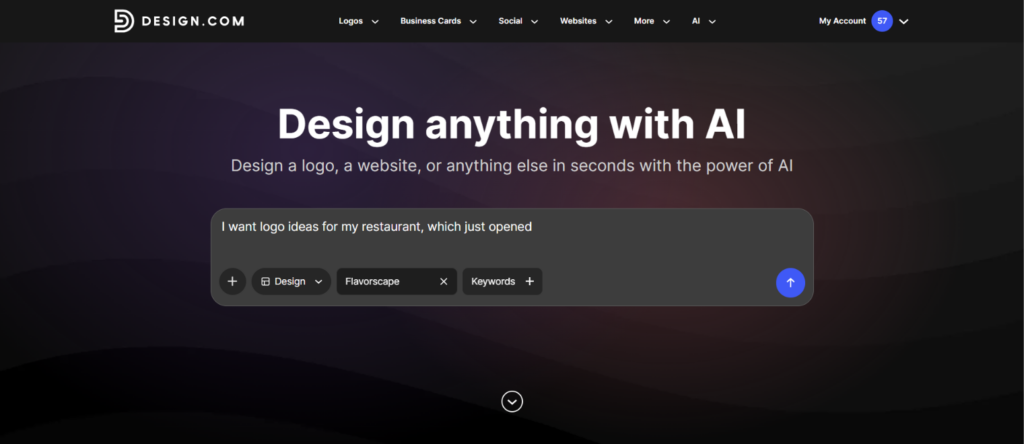
There were no guidance questions, no color and style menus to work through first. We typed what we wanted, added a brand name, and a bunch of logo concepts appeared instantly. For a small business owner short on time, that speed is the whole point.
The quality surprised us. The designs felt as if a professional had made them, and each of the designs carried full commercial rights.
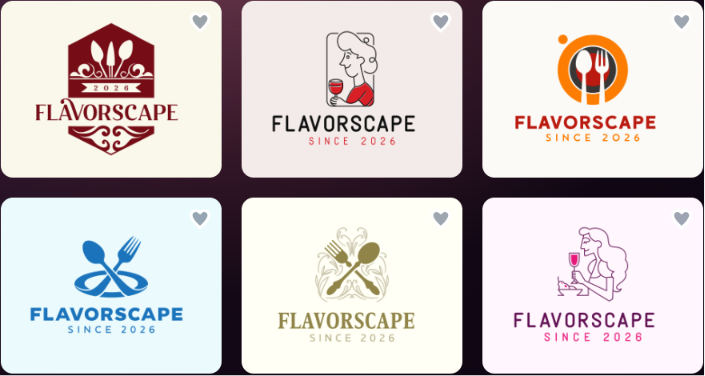
That matters for a small business, because the logos are exclusive to Design.com only. Meaning, you’re not building a visual identity a competitor could complain about, saying it’s taken from someone else.
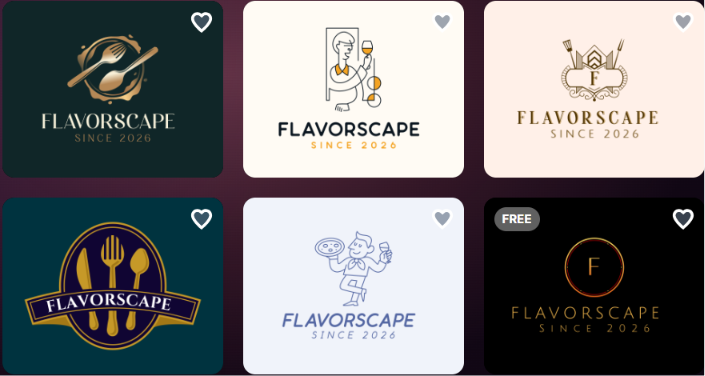
Editing was as fast as generating; we could either do the necessary modifications through a chat-based AI tool or do the edits manually.
We could change the logo icons, colors, backgrounds, fonts, and overall style; everything could be personalized without any credits. Plus, the platform offers a wide range of free logos at no cost, even after a lot of editing.
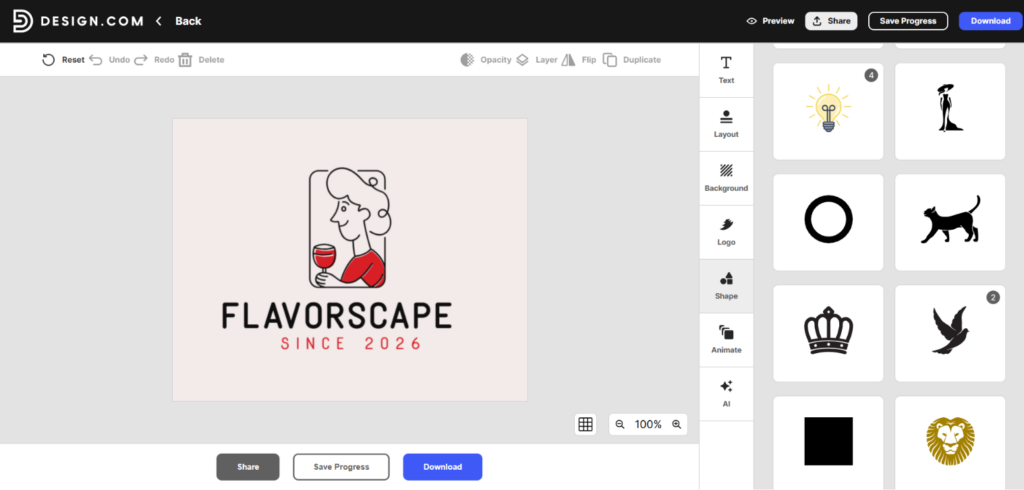
After creating the logo and downloading it for free, we also wanted to get additional branding assets. Design.com offers a variety of them. It offers presentations, flyers, posters, QR codes, social media templates, business cards, and more, with diverse themes and styles:
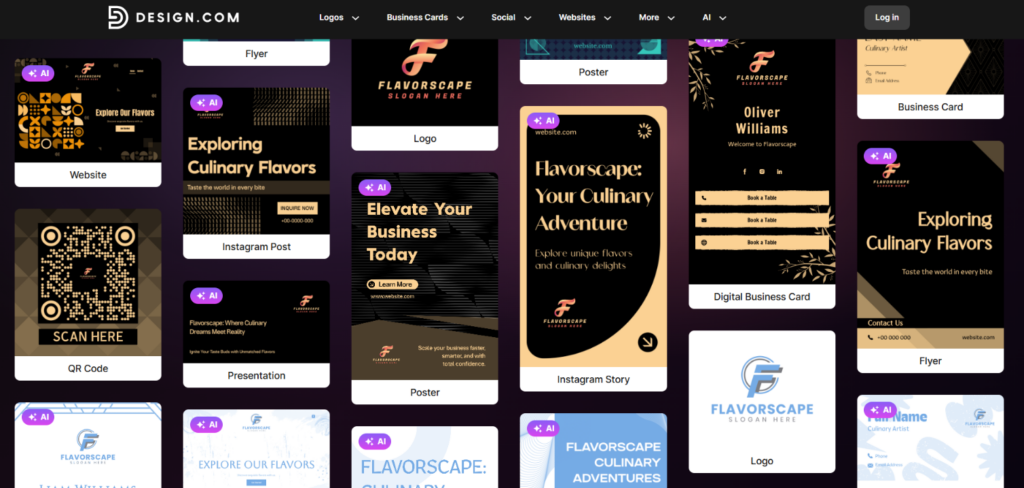
But it also works like this: once you’re done customizing your logo, the platform automatically matches your logo design with the rest of the branding materials and offers a preview of your logo on them.
Our Take
Design.com is easy to use. It offers:
- tons of AI features to speed up the overall workflows
- fair pricing (free tier+ payment plans starting at just $3/mo)
- logo templates across all industries
- exclusive designs created by professional designers
- automatic domain name generation based on your brand name
- multiple export options, including SVG, PDF, JPG, MP4, icon-only option, etc.
- A library of 500K+ logo templates and 1M+ design templates
It’s the clear first choice, and over 4,300 Trustpilot reviewers agree on that.
BrandCrowd.com
The next logo maker we think is the second best choice is BrandCrowd.com. While testing the platform, everything went smoothly and fast.
We didn’t wait long enough for the logo templates to appear (everything was instant); we got high-quality results and AI-based customization.
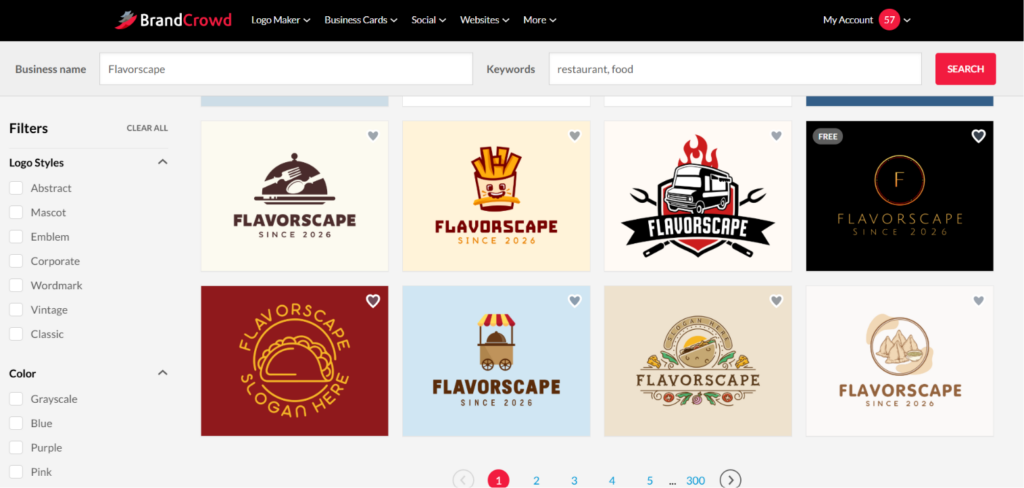
We had two ways in: browse over 380,000 handcrafted templates, or enter a brand name for a tailored result. Either way, the concepts came back in seconds, with no step-by-step style selection.
|
Our Test |
The Result |
|
Entered our business name (Flavorscape) |
Logo concepts in seconds, built from the template library, fonts, and editing tools |
|
Edited through the chat-based AI |
Changes from simple, everyday prompts, no clarification questions or design vocabulary needed |
|
Picked a free template and made unlimited edits |
No payment at the end (for free logo templates), with full copyright protection on the logos |
|
Downloaded a free logo |
Downloading our free logo unlocked access to a free website builder, link-in-bio creator, and digital business card maker |
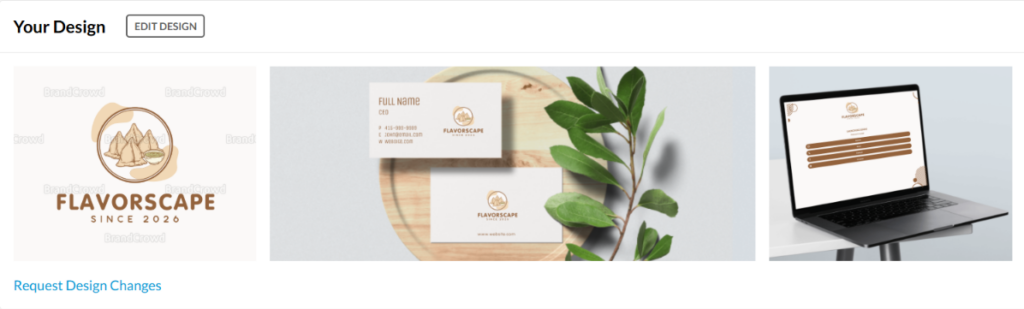
What impressed us most was the editor. The AI understood simple, everyday prompts on the first try, which is exactly what a non-designer needs. Also, we could animate the logo, save our progress, flip the icon, ask the built-in AI to do all the modifications based on our prompts, preview the logo on social media post templates, business cards, etc.
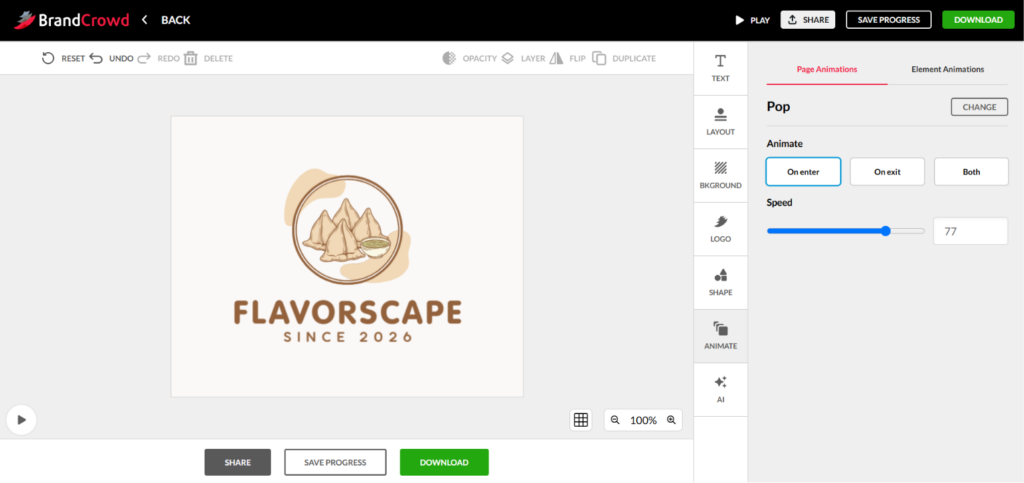
After editing logos, you just need a very small amount of investment; $3/mo, unless you pick a free logo template. The free option does not require a penny, while offering multiple export options, 100% copyright safety and high-quality export.
Our Take
With BrandCrowd, just creating logos gives you a bunch of additional options for creating full visual identities with minimal investment. It offers:
- instant logo template generation
- 50+ additional branding tools
- exclusive templates, fonts, etc.
- 380K+ professionally crafted logos
- automatic template branding to match the style of your logo
- logo printing on caps, mugs, t-shirts, and more, with free delivery
Not to sound subjective, we’ve also explored what users are saying on Trustpilot, and here’s the general feedback:
It’s a platform that saves time and delivers professional results without the complexity or generic output of other logo makers.
LogoDesign.net
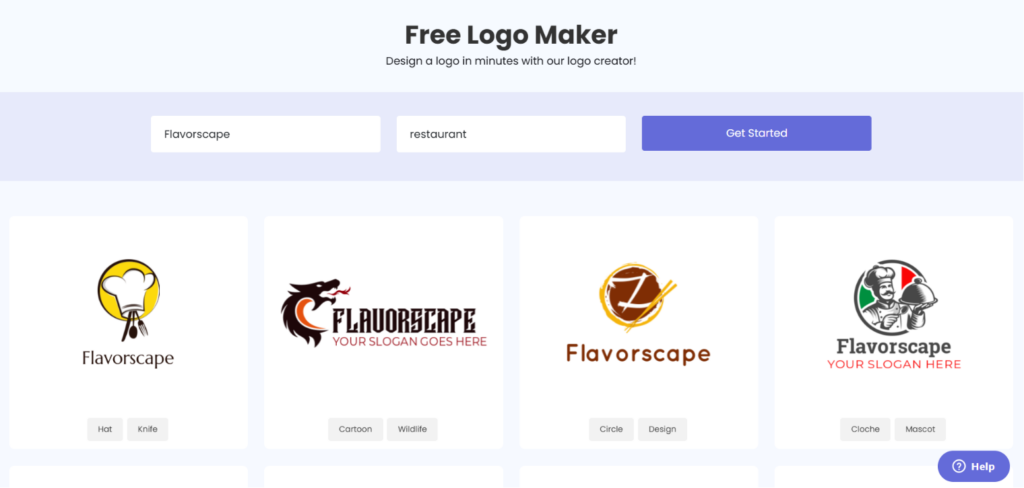
Then, we went on to test LogoDesign to see how it’d compare with the previous tools. It was convenient to use but we had to insert keywords for the platform to understand what we wanted:
|
Our Test |
The Result |
|
Gave our prompt |
Concepts unrelated to our industry until we manually added a keyword |
|
Edited a chosen template |
Limited tools and no AI customization; extra manual work was needed |
|
Went to download |
No free option; downloading required choosing a paid plan |
After picking a template, we could edit and preview it on branding materials, but the tools were limited compared to the leaders, and AI customization was missing entirely. That meant more manual work.
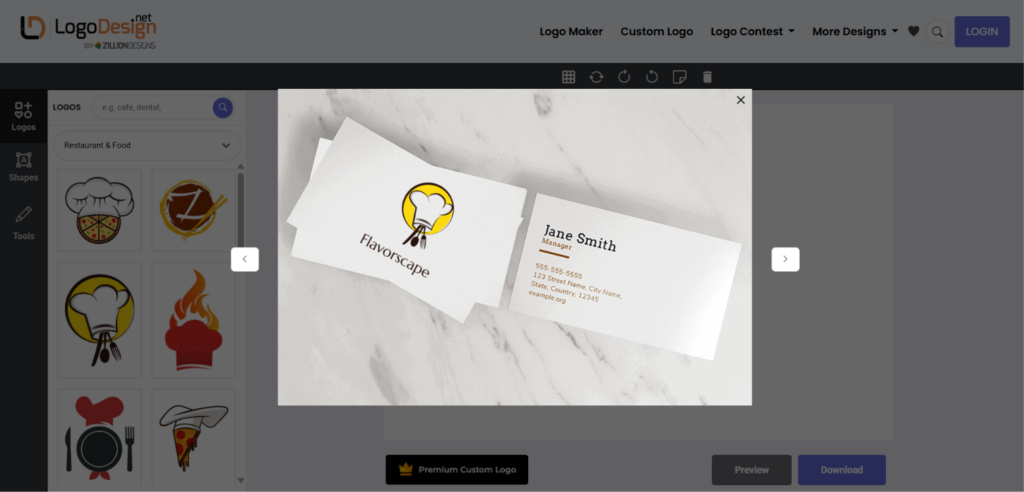
What did not align with our expectations was that while creating the logos, we could see the “Free Logo Maker” claim, but when it actually came to file export, we needed to pay (starting at $37) to be able to download both the edited and customized logos.
Our Take
It’s an intuitive and traditional logo design platform. It produces logos fast but there is no free download options and no AI-driven customization.
Beyond logo generation, it comes with business cards, letterheads, social headers, and QR codes.
Logopony.com
The platform was very user-friendly; not many steps were required to see the final logo templates, based on our prompt. Especially compared to LogoDesign, Logopony offered far more features and AI customization.
|
Our Test |
The Result |
|
Entered a brand name and hit generate |
A block; no templates appear until you provide a brief |
|
Provided the brief |
A selection of templates based on the name and prompt, with no extra steps |
|
Edited the logo |
Easy, AI-powered editing, with the preview updating live |
|
Went to export |
A required payment; no free tier offered |
One thing that raised our concern was the following: after entering a brand name and clicking generate, we couldn’t move forward. The reason was that you can’t see any templates until you’ve written a brief. Once we cleared that, the results were worth the wait.
It was a limitation compared to Design.com, for example. In the case of Design.com, even a single word is enough for the AI to get a general idea of what the user wants; that’s also a feature that speeds up the logo generation process.
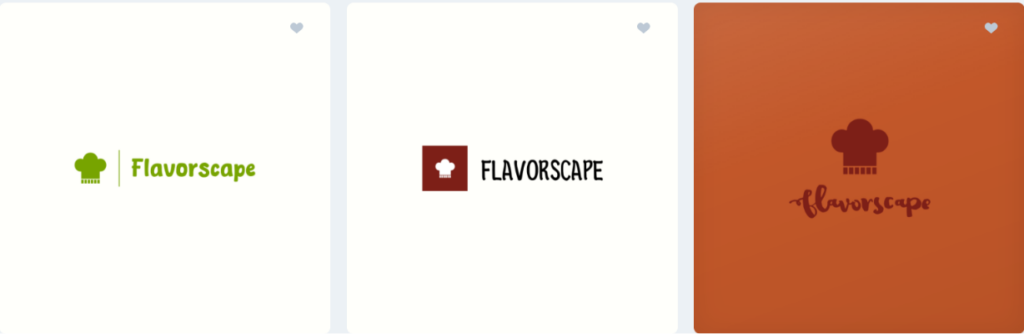
We got a selection of templates based on the name and prompt in under a minute, without multiple steps. Editing was easy and AI-powered, and the preview updated as we changed things. The catch came at export, where a payment was required with no free tier.
Our Take
We liked the logo quality and the AI editing, but the mandatory brief added friction the top tools skip. With only two reviews on Trustpilot, our verdict is solely based on our own testing.
My Free Logo Maker
The next tool we dedicated time to was My Free Logo Maker. At first we were excited to download logos for free, as the name promises, but was it actually a true promise?
The reality is that the tool is partly free, not fully.
We added a company name, picked an industry and colors, and skipped the optional fields to save time. The customization was broad, and the quality was good. But when it came to downloading the logo, the only free option was the PNG file.
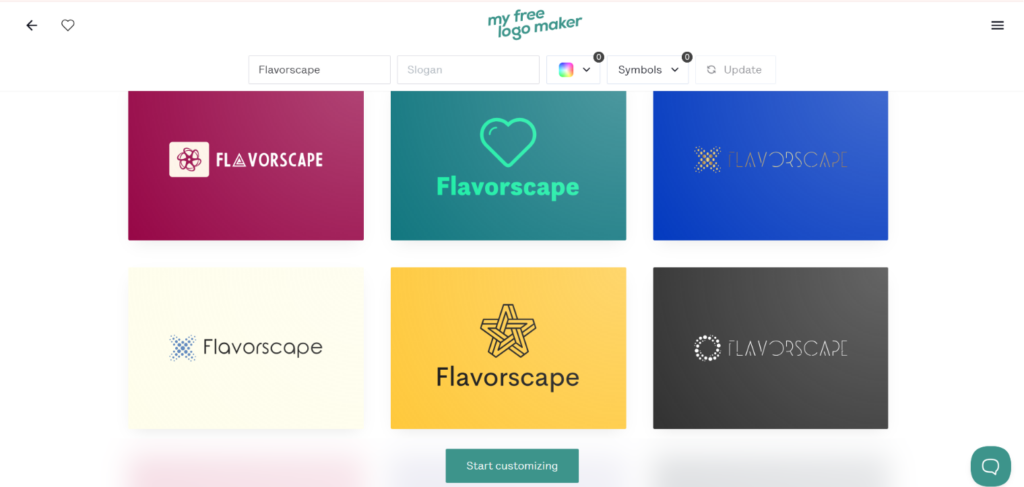
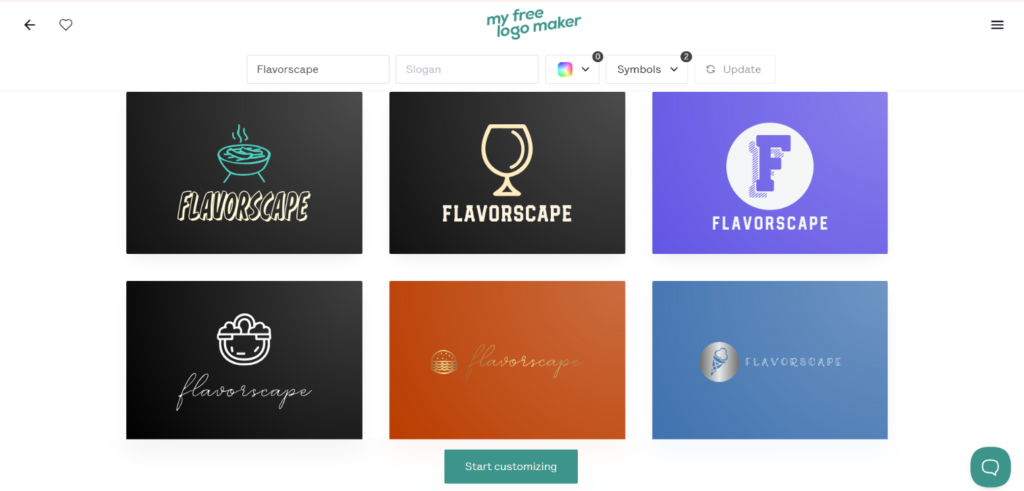
Except for pricing, there was one more thing that caused inconvenience; to make the logos align well with your industry, only choosing the industry from the dropdown is not enough. You have to fill in the questions accordingly to get logos, in this case food-related logos.
In the first image, we only selected the industry, and it’s clear that the logo concepts have nothing to do with food or restaurants.
While on the second image, we did not skip the questions and chose the suggested keywords: food, restaurant. The difference is clear.
|
Our Test |
The Result |
|
Added a company name and details |
Broad customization, though results weren’t instant |
|
Previewed and edited the logo |
AI tools to generate ideas and swap symbols, plus mockup previews |
|
Went to download |
A free PNG, or a paid upgrade for the full brand kit |
Our Take
The free PNG is real, but for many businesses it might not be enough. The logo generation is not instant, and while there’s a chance to skip the required questionnaire, it makes no sense, as without adding the proper keywords, the result will not satisfy you.
Logobean
Logobean worked completely differently from all the logo design platforms we tested.
The logos came back as a mixed bag. Our prompt was restaurant-oriented, but the first page of suggestions had nothing to do with food, so we had to add the industry manually.
|
Our Test |
The Result |
|
Entered a restaurant-oriented prompt |
Mixed, unrelated styles; we had to add the industry manually |
|
Looked for editing tools |
Icon, font, and palette controls that were hard to locate |
|
Went to download |
PNG and SVG available on purchase |
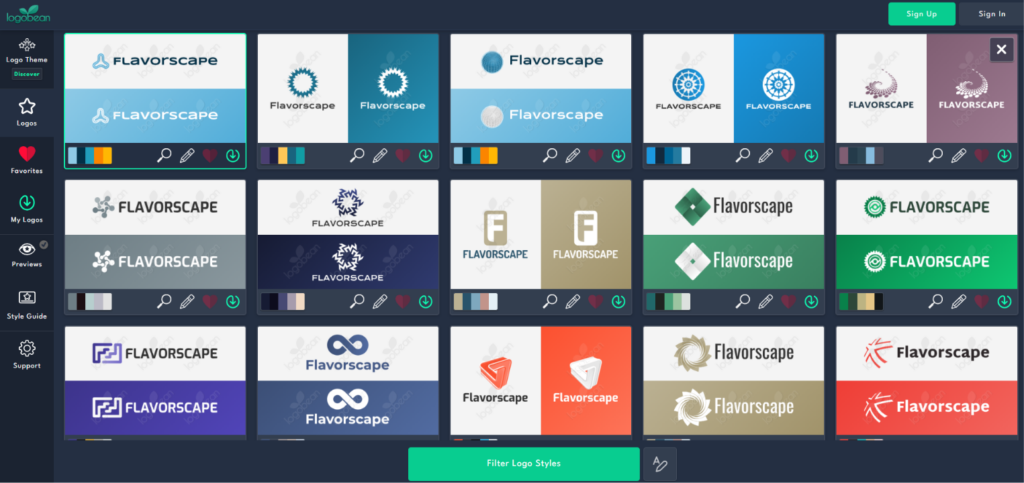
We could preview logos, save favorites, and customize icons and fonts, but the editing tools were hard to find. For a first-time user, the interface felt heavy, and there was no search bar for keywords, only built-in suggestions.
Our Take
Compared to all the platforms in this list, Logobean wouldn’t be our first or second suggestion for a small business. It performs reliably enough, but the confusing interface and lack of a public review track record hold it back.
LogoAI.com
LogoAI is not a prompt-based first platform. It works more in a step-by-step and guided way.
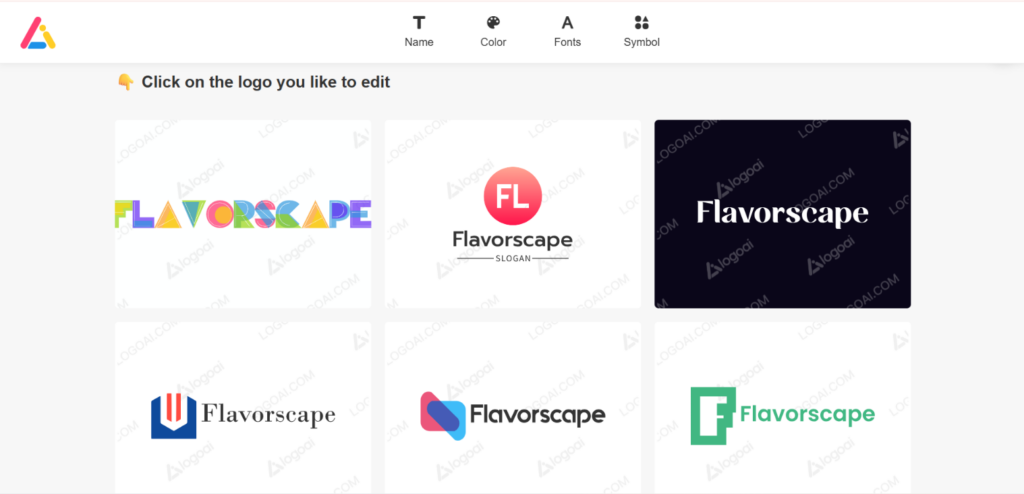
You insert the brand name, add keywords, then select industry, color, and font before generating. The results come with a watermark and are not really industry-related, even though you fill in all the questions:
|
Our Test |
The Result |
|
Ran through the guided questions |
Logo concepts with watermarks after several selectable steps |
|
Edited a concept |
Manual adjustments to colors, fonts, icons, and layout, not AI-powered |
|
Selected a logo |
Access to the “Brand Center” for matching business cards, social graphics, and posters |
You can skip the steps, but they still appear and need manual skipping. After the process, you get watermarked concepts.
Editing is manual rather than AI-driven, which might slow down the process a bit. Selecting a logo does unlock the Brand Center, which builds matching assets automatically. Designing is free; downloading requires a one-time payment.
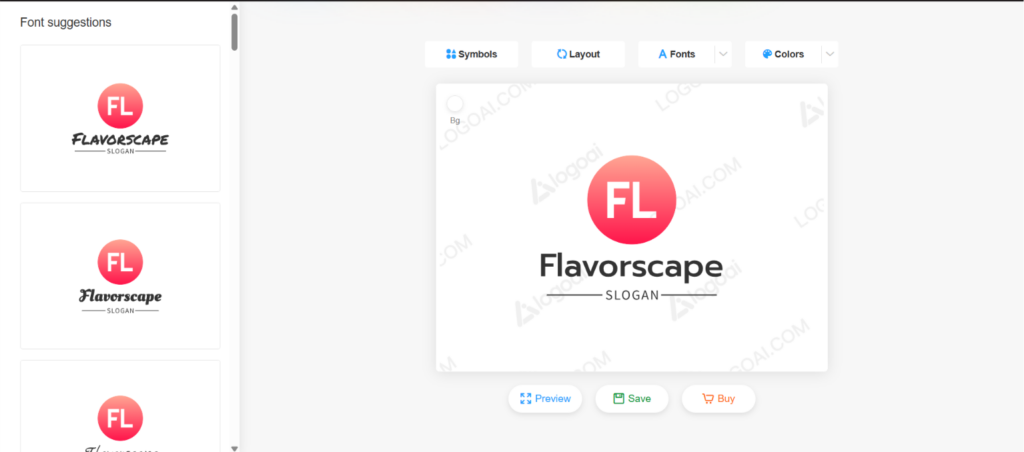
There’s no way to search for the preferred logo icon styles or other attributes. You can only pick from the ready-made symbols, fonts, etc. No AI-powered suggestions.
Our Take
The extra structure means more steps than Design.com or BrandCrowd. It suits an owner who isn’t in a hurry and doesn’t mind manual editing.
The platform also offers flyers, business cards, social media templates, etc.
Logomakerr.ai
The last platform that can be considered by small business owners is Logomakerr.ai.
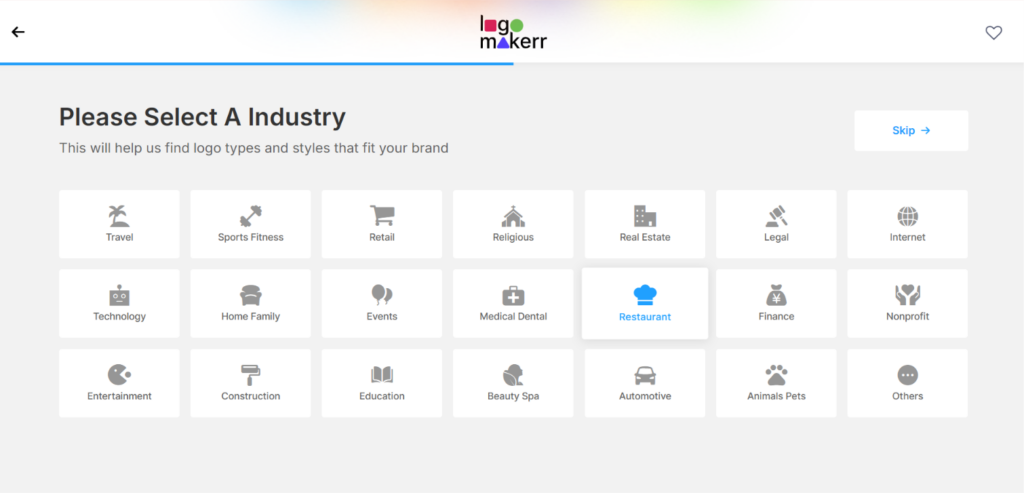
It follows almost the same logic as LogoAI. You add a business name, answer a few style questions, and you get templates.
|
Our Test |
The Result |
|
Entered a business name and style choices |
Watermarked results with fully customizable options |
|
Edited the concept |
Manual control over fonts, colors, symbols, and layouts in the editor |
|
Reviewed the output |
AI-adapted designs tailored to our industry, not pulled from a fixed set |
The final results came watermarked but fully customizable. However, the generated logos were neutral and did not reflect the keywords we selected.
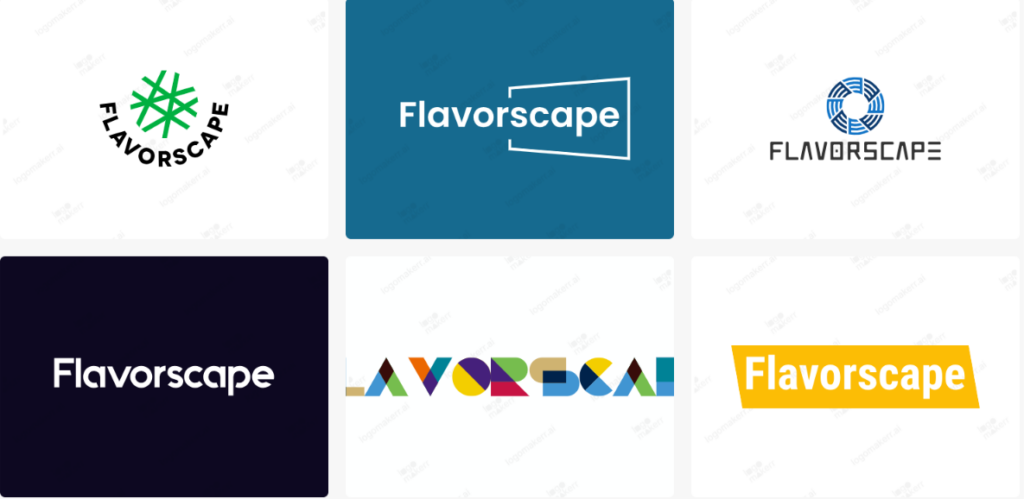
It comes with full brand kits covering business cards, PowerPoint templates, flyers, and social posts, with multiple formats on purchase.
Our Take
For a small business owner who prefers manual editing and isn’t rushing, Logomakerr.ai works. Just know it won’t be the fastest or most hands-off option here.
Closing Thoughts
Small business owners value their time and money; across all 8 logos discussed above, the actual divide is between the logo makers that provide quality results instantly and the tools that require more effort, more manual work, and more money.
With this thought in mind, Design.com and BrandCrowd.com lead because they combine speed, quality, and a full set of branding tools, and both let you download a real logo for free before you commit a cent.
Ready to launch your business?