

The Problem With Glowing Rectangles: Why Our Eyes Pay The Price
Anyone who has spent long hours in front of a computer knows the strange mix of tension and exhaustion that comes from staring at a glowing screen. Even when you don’t notice it happening, your eyes begin to negotiate with the constant flicker coming from typical LCD or LED displays. These screens repeatedly refresh the picture many times per second, creating an invisible rhythm that the eyes must constantly adjust to. Although the image looks smooth, the visual system works overtime to keep up with it. Then comes the persistent glow. It doesn’t matter if the brightness is set low—traditional displays rely on a steady backlight shining straight outward. After several hours, that glow becomes taxing, especially for people who read or write for long stretches.
Beyond The E-Reader: E-Ink Grows Up
For years, many people assumed E-Ink belonged exclusively to lightweight e-readers designed for book lovers. But the technology matured far beyond that role. Modern displays are now capable of handling significantly more complex tasks. Users can browse websites, manage documents, and interact with software in ways that were once unrealistic for E-Ink.
The refresh rates have improved to the point where moving a cursor or scrolling through text feels much more natural. Earlier challenges—such as ghosting or slow transitions—have been minimized thanks to new waveform processing and clever algorithms. This progress opened the door for full-size E-Ink monitors, including the BOOX Mira Pro 25.3, which show how far the technology has come.
A large E-Ink display may still be a niche product, but it’s a niche with growing depth. People who value clarity, comfort, and immersive concentration are discovering that a non-glowing surface is better suited for reading, writing, coding, and analytical work than the typical bright monitor.
The BOOX Mira Pro 25.3 In Practice: A Deep Dive Into The User Experience
Working with the BOOX Mira Pro 25.3 feels different from the first moment. Unlike conventional screens that illuminate your face, this device uses a front-light setup that directs soft light across the panel instead of through it. The effect is similar to shining a lamp onto a physical page, creating a more natural and less intrusive viewing environment when ambient light is low.
The ability to fine-tune refresh modes becomes another essential part of the experience. Some modes prioritize clarity for reading; others increase speed for smoother cursor movement or navigation. Switching between them is quick and intuitive, allowing the user to adapt the screen to the task at hand rather than forcing one mode to do everything.
The large 25.3-inch panel, set in a comfortable 16:10 aspect ratio, gives the impression of spreading out a wide sheet of paper. It’s ideal for side-by-side documents, multitasking between reading and writing, or simply having a generous workspace that reduces the need for constant scrolling. The physical scale of the display naturally encourages slower, more thoughtful work.
Who Truly Benefits? Identifying The Ideal User
Large E-Ink monitors are not meant for everyone—and that is their strength. They serve people who prioritize long sessions of focused, text-heavy tasks. Writers who draft for hours, researchers who sift through dense sources, programmers who live inside code, and students who read lengthy materials all benefit from the calm, paper-like viewing experience.
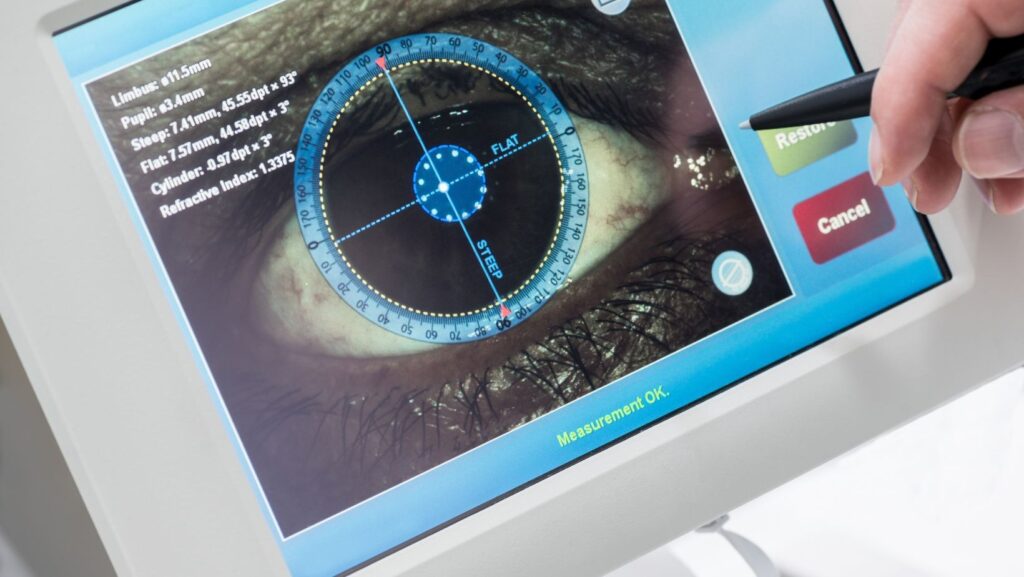
There is also a growing group of individuals who experience discomfort from glowing screens. For them, E-Ink isn’t a novelty but a necessity. The reduced strain, absence of glare, and steady image can provide genuine relief.
E-Ink Einktab monitors aren’t replacements for full-color displays used in design, media work, or rapid animation. Instead, they complement those tools by offering a healthier environment for deep concentration.
Integrating The Paper-Like Monitor Into Your Workflow
One of the most effective ways to use a large E-Ink monitor is to pair it with your existing screen. Keep the color display for communication, graphics, and quick visual tasks, while dedicating the E-Ink monitor to writing, reading, coding, or reviewing documents. This dual-screen setup creates a natural division between “focus work” and everything else.
Many people gradually redesign their digital habits by assigning their main reading app, note-taking tool, or editor to the E-Ink display. Over time, this fosters a deeper sense of concentration and reduces visual fatigue.