
Long invite links, platform switching, and copy-paste friction all increase the chance that users drop off before joining.
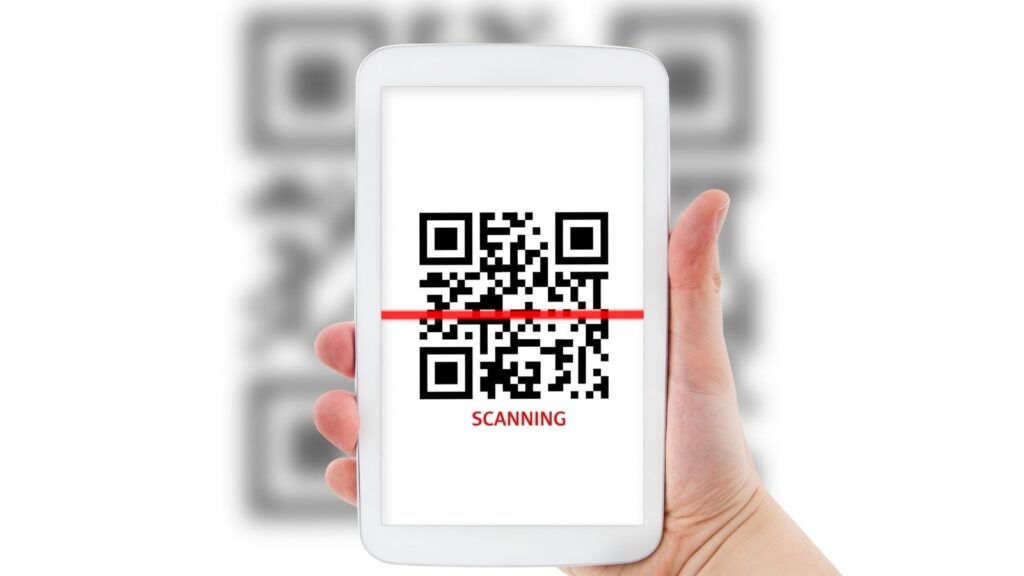
Tools like a Discord QR code generator reduce that friction by turning a Discord invite into a scannable entry point that works instantly on mobile, desktop, and hybrid environments.
A Discord QR code generator converts an invite link into a QR code that users can scan and join with minimal effort. This article explains how QR-based access works, where it’s most effective, and what technical and security considerations matter before deploying it at scale.
What a Discord QR Code Generator Does
At its simplest, a Discord QR code generator takes a standard invite URL and encodes it into a QR format. Instead of copying links or typing URLs, users scan and are redirected directly into the Discord join flow.
The difference is subtle but important. Traditional links assume users are already in a browser-friendly context. QR-based access works better in physical spaces, livestreams, or mobile-first situations where typing is inconvenient. For communities built around Discord, this shift removes unnecessary steps between interest and participation.
Why a Discord QR Code Generator Reduces Access Friction
In the modern world, no one wants to wait. Every additional step causes more friction on mobile, where engagement is the top priority. If a user needs to copy and paste an invite code, open a browser to find your server, or take any additional, unnecessary steps, they will opt out.
Inviting through QR scanning is as immediate as it gets with the decision-to-action path. The user sees the code, scans, and then joins. This immediacy is why a Discord QR code generator works in scenarios where there’s limited attention, and you have to work fast.
When to Use a Discord QR Code Generator
QR-based Discord linking can be used in a variety of scenarios. Gaming communities and creators include it as a stream overlay or on social graphics to give viewers a way to join the fun. Event organizers and conference managers use QR codes on badges and signs to move participants into channels for group communication.
Posters, flyers, guides, or even internal documentation for project-based servers are another use case. Wherever the opportunity arises, QR codes simply make it “automated” what to do next.
Security, Expiration, and Access Control Considerations
Accessibility is not the same as anarchy. Unrestricted open invites (which is what a QR code is) can lead to the code being shared far and wide, out of your intended audience’s hands.
Discord QR distribution should be coupled with limits, monitoring and tracking. That’s why it’s important to know why QR code security within Discord is important, so you can stop thinking of security as a compromise instead of a choice. With intentional design decisions, you can place QR codes in the right place and establish access controls to protect your community and mods without sacrificing accessibility.
How to Discover Growth from QR-based Discord Accessibility
The number of saved scans can sometimes be deceptive. More saved scans = more growth, right? Not necessarily. Large numbers of scans don’t always translate to real growth; the actual rate of people that join and stay and participate is really what matters.
Results can also depend on context. Where you put your QR code, what your members (or potential members) in the space do with it, and what social language surrounds it can all impact outcomes more than the numbers alone. This helps refine new strategies for how and where to use QR access points.

Clear Messaging Around QR Access
Users are more likely to scan when they know what will happen next. Show a QR without context and most users will pause, especially in more security-conscious environments.
Clear, concise calls to action next to your QR codes set the expectations and instill confidence. It’s that simple. It’s on par with the goal of writing better calls to action in your digital content — the more readable your CTA is, the more likely it is to be used. With QR code-based access, readability often determines whether the scan will be used at all.
In Conclusion
Discord QR code generator is a great hack for easier community access. It’s not just for fun. When used strategically, it cancels unnecessary friction, is adapted to a mobile-first world and doesn’t prevent the community from caring and nurturing. at best.
Tough to find if you’re invisible. Control to see if you’re invited. Communicate if you want to optimize your experience in a community. For those signs of your tech-savvy users, QR code-based Discord access works best as part of a wider access/engagement acquisition strategy… not just a shortcut out of nowhere.
Number of characters (with spaces) of one t